 Ben Snape
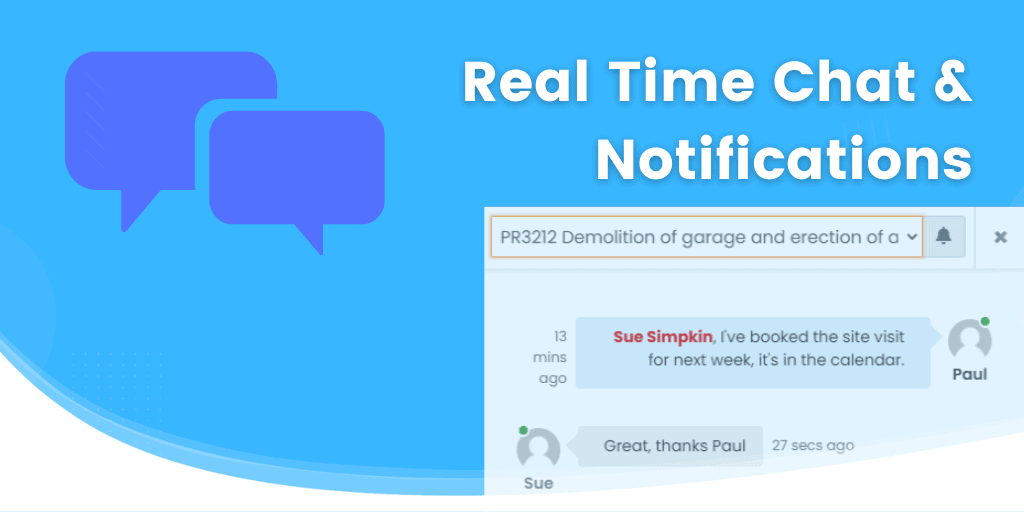
We are super excited to announce real time chat and notifications!
Project Chat
You can now chat in real time to your colleagues using the new project chat. Each time you create a new project, a project chat room is automatically created. Click on the chat icon at the top right to open the chat room.
More information can be seen in the knowledge base article.
Notifications
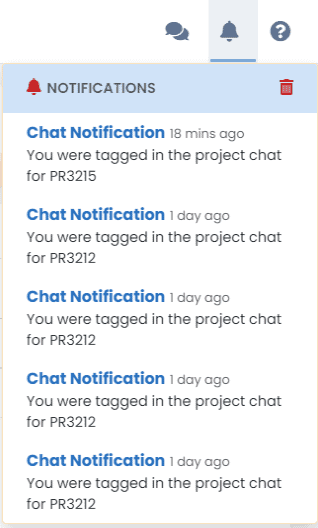
We’ve also introduced system notifications. Where you would normally receive an email when certain things happen (project assigned to you, client accepts quote, etc), the system now checks to see if you are logged in, and if so, sends a system notification instead. If you are not logged in, you will receive an email.
Notifications appear at the top right. Click the bell icon to view.