
Invoice your architecture projects in PlanMan
Create invoices from completed project stages, send PDF invoices and track payments. Connect Stripe or GoCardless to collect payments online.
30 days free. No credit card needed.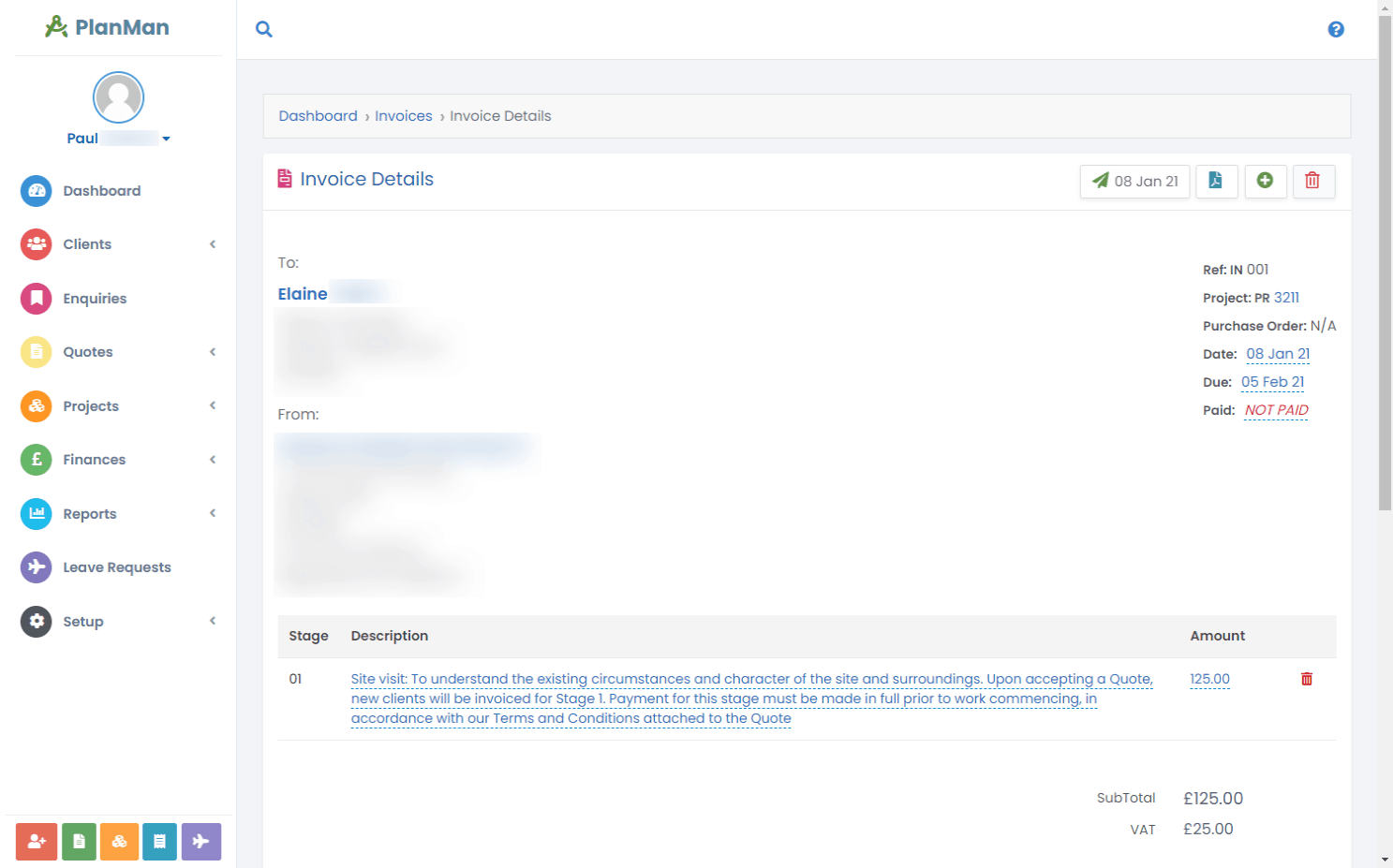
Create and send invoices for completed stages
Bill completed architectural work from the project record. Mark a stage as completed, select the stages you want to charge for and create the invoice in PlanMan. Send it to your client and keep the billed work and payment status with the project.
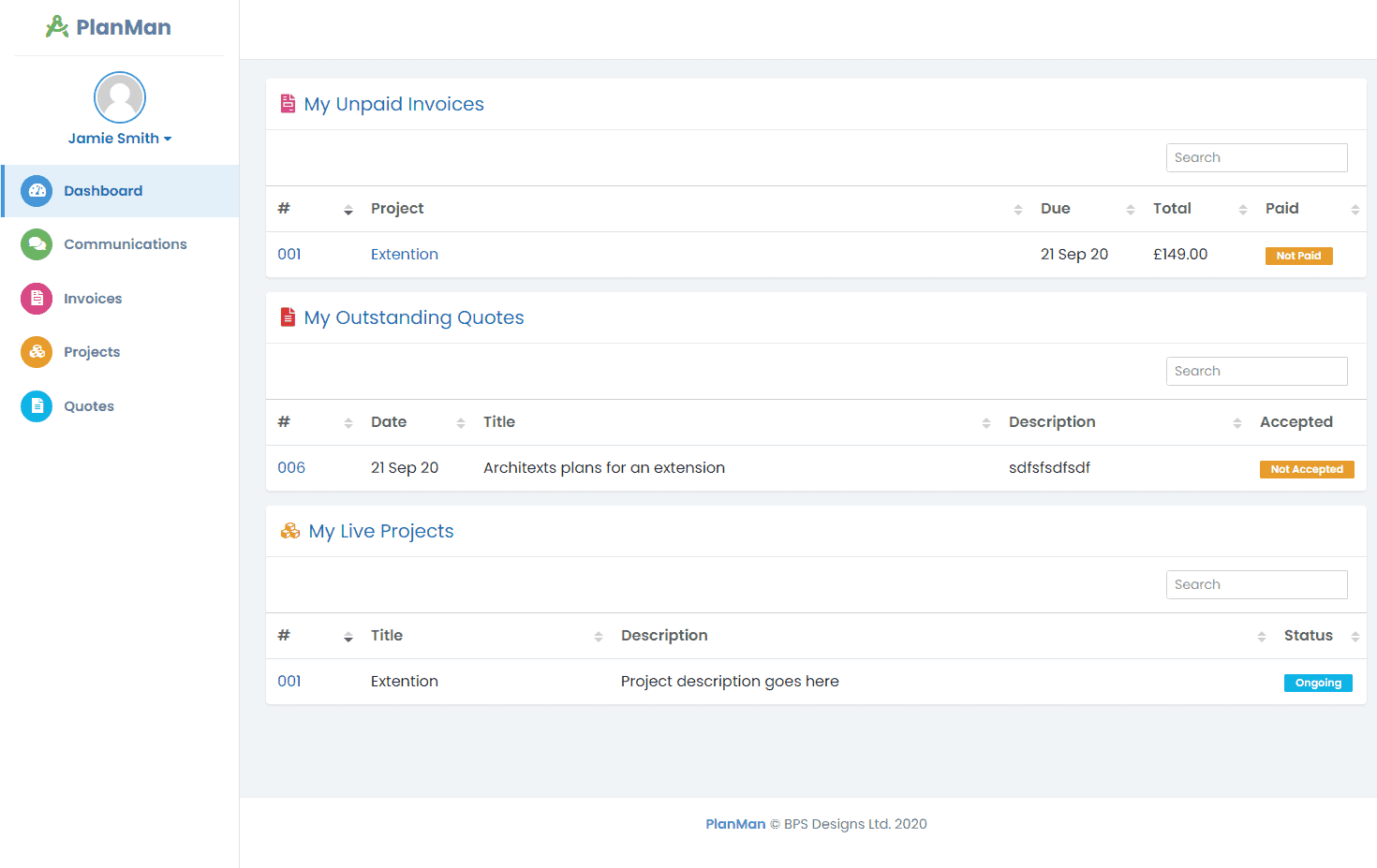
Let clients view and pay invoices through their portal
Sent invoices appear in the client portal. Connect Stripe for card payments or GoCardless for Direct Debit collection.
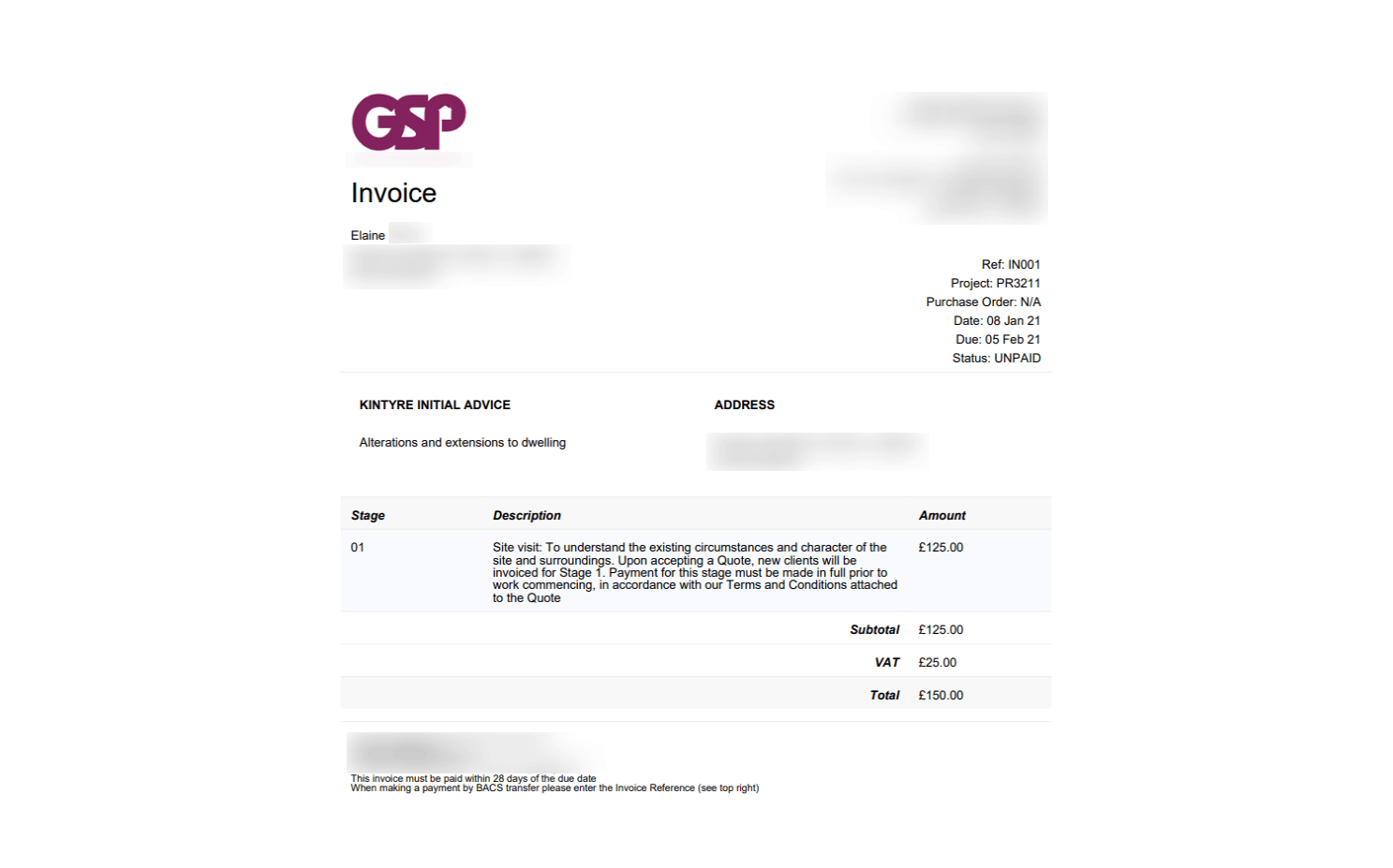
Send invoices as PDFs
Clients can download their invoices in PDF format, or you can email them directly from the invoice details page.
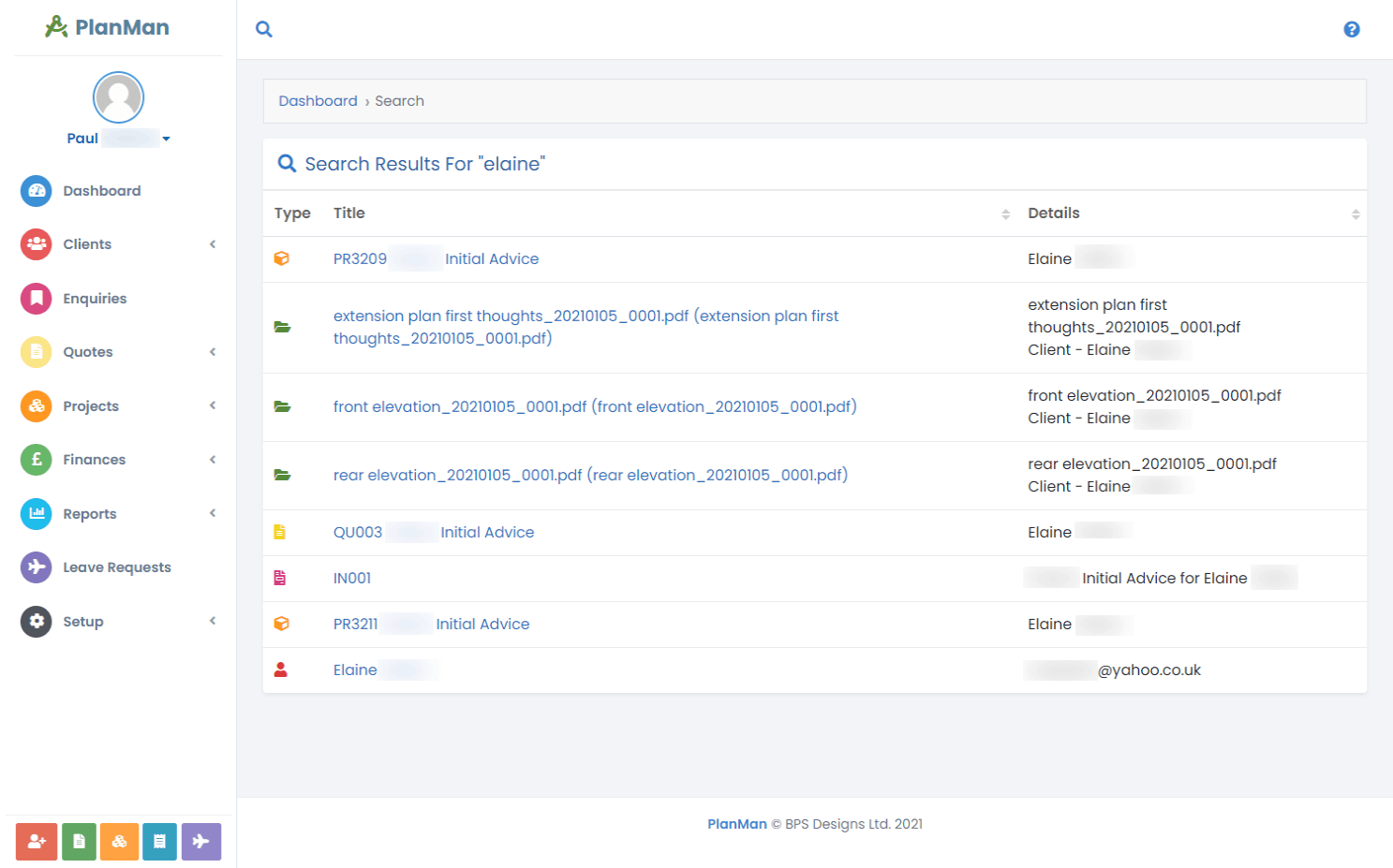
Find an invoice
Search by client name, keyword or phrase to find an invoice. Open it to check the billed stages, send it again or review its payment status.
Questions about invoicing
How does invoicing work?
Mark the work as complete, create an invoice and select the project stages you want to bill.
Can I email invoices to clients?
Yes. Select “Send Invoice”, edit the email text if needed, then send it to the client.
Can clients pay their invoices online?
Yes. You can set up GoCardless to collect Direct Debit payments from your clients, and Stripe to collect card payments.