
Client communication software for architects
Send and store client emails alongside their projects. Share documents through the client portal and search past conversations from PlanMan.
30 days free. No credit card needed.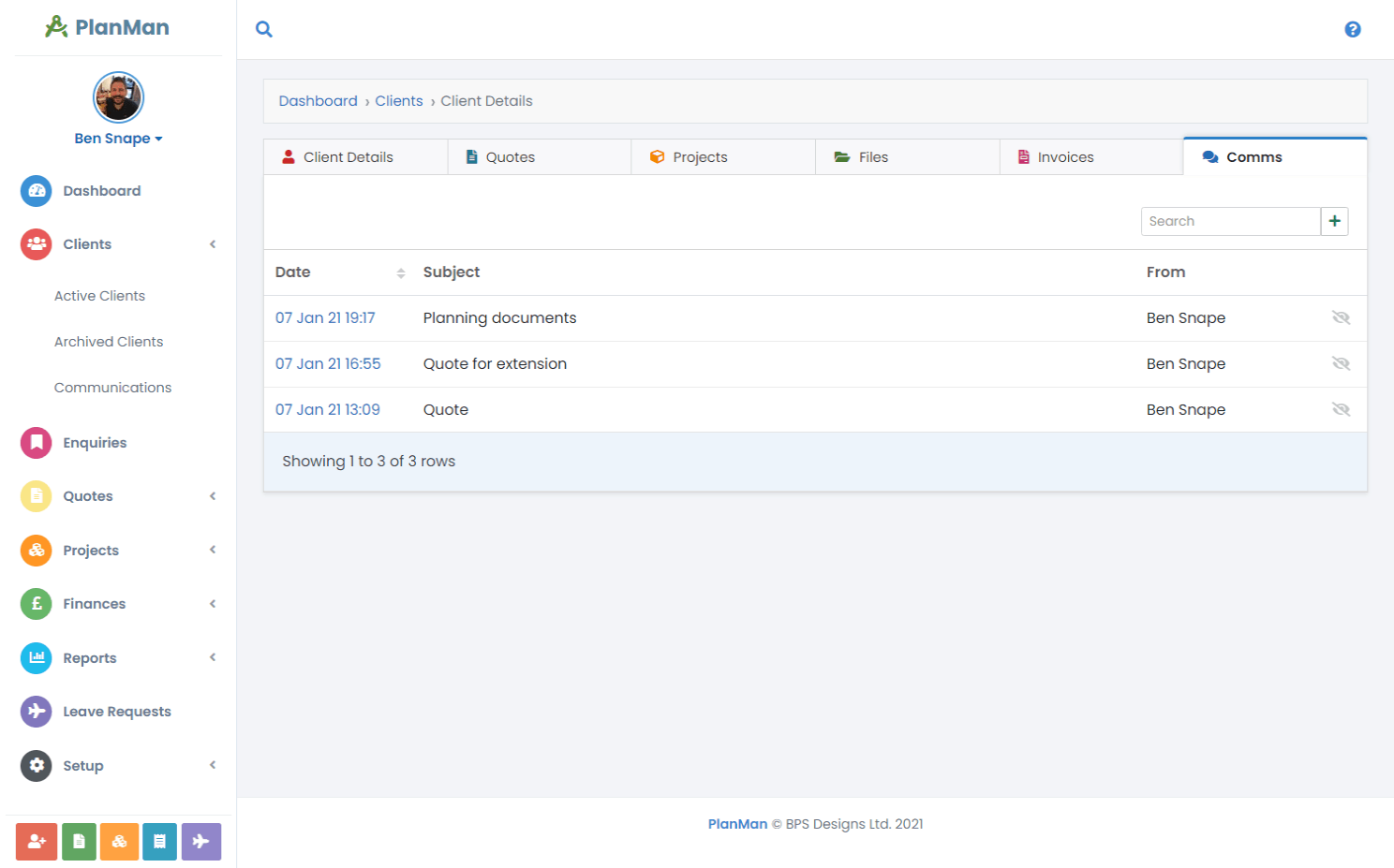
Keep project emails where your team can find them
Send client emails from PlanMan and keep the correspondence with the relevant client and project. Colleagues can read the conversation alongside the project’s records without searching someone else’s inbox.
Give clients a place to ask questions and view shared files through their own login. When you return to a project, you can find the messages and documents that explain what has been discussed.
Keep files with the client’s details
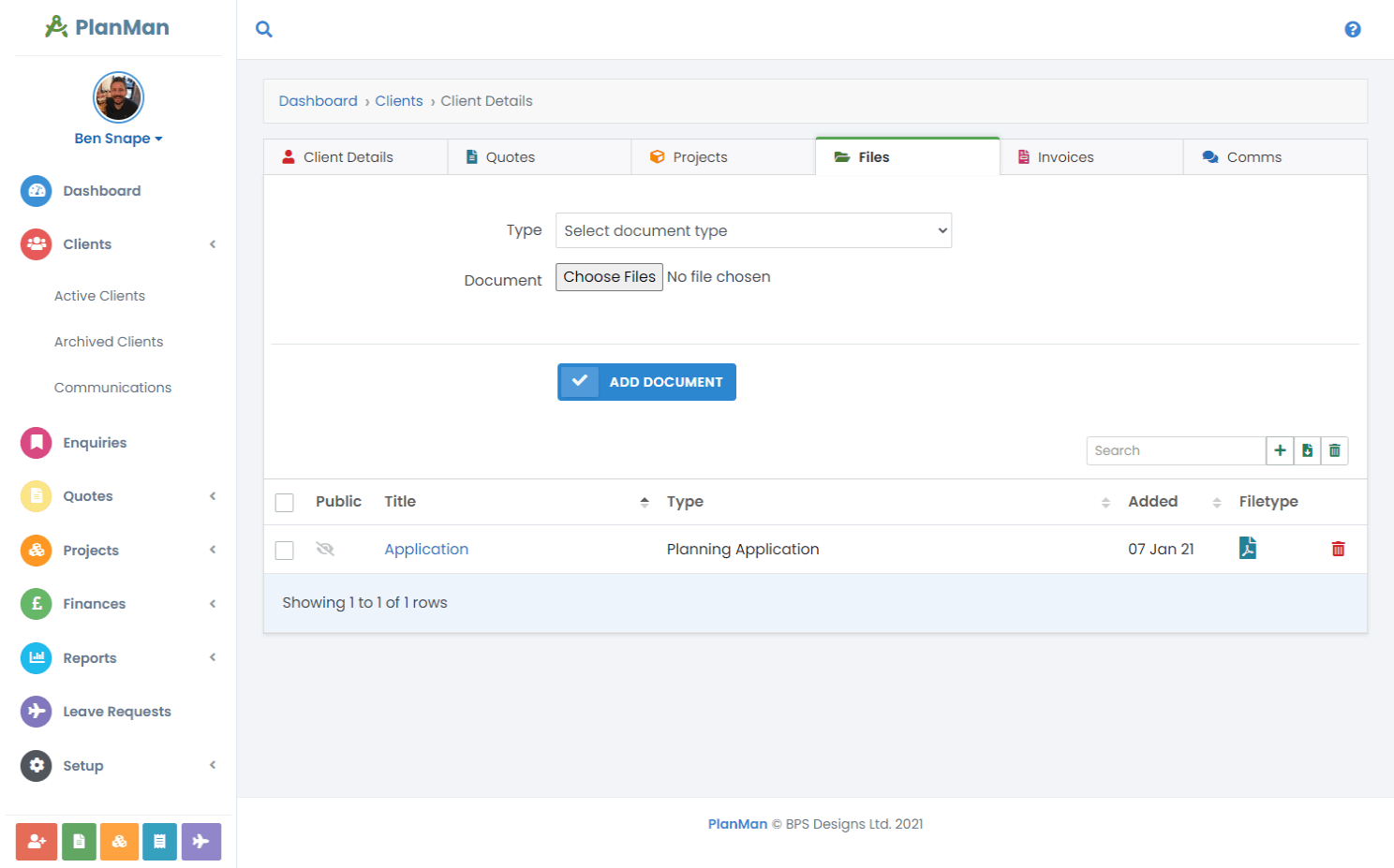
Attach documents to the client’s record so colleagues can find them. Clients can upload files through their own login instead of sending large email attachments.
Private documents
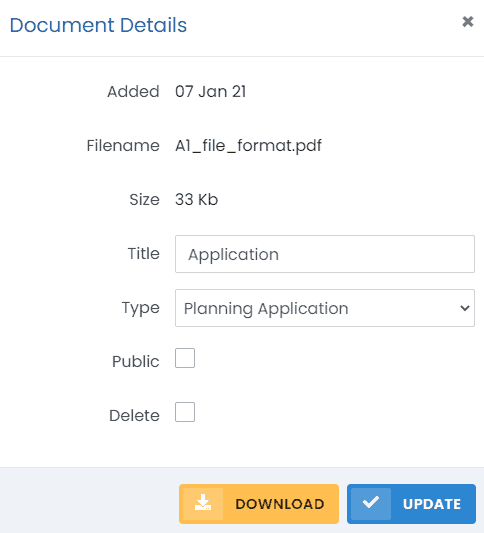
Leave the “Public” option unchecked on documents you want to keep within your team. Only files you mark as public appear in the client portal.
Search emails and documents
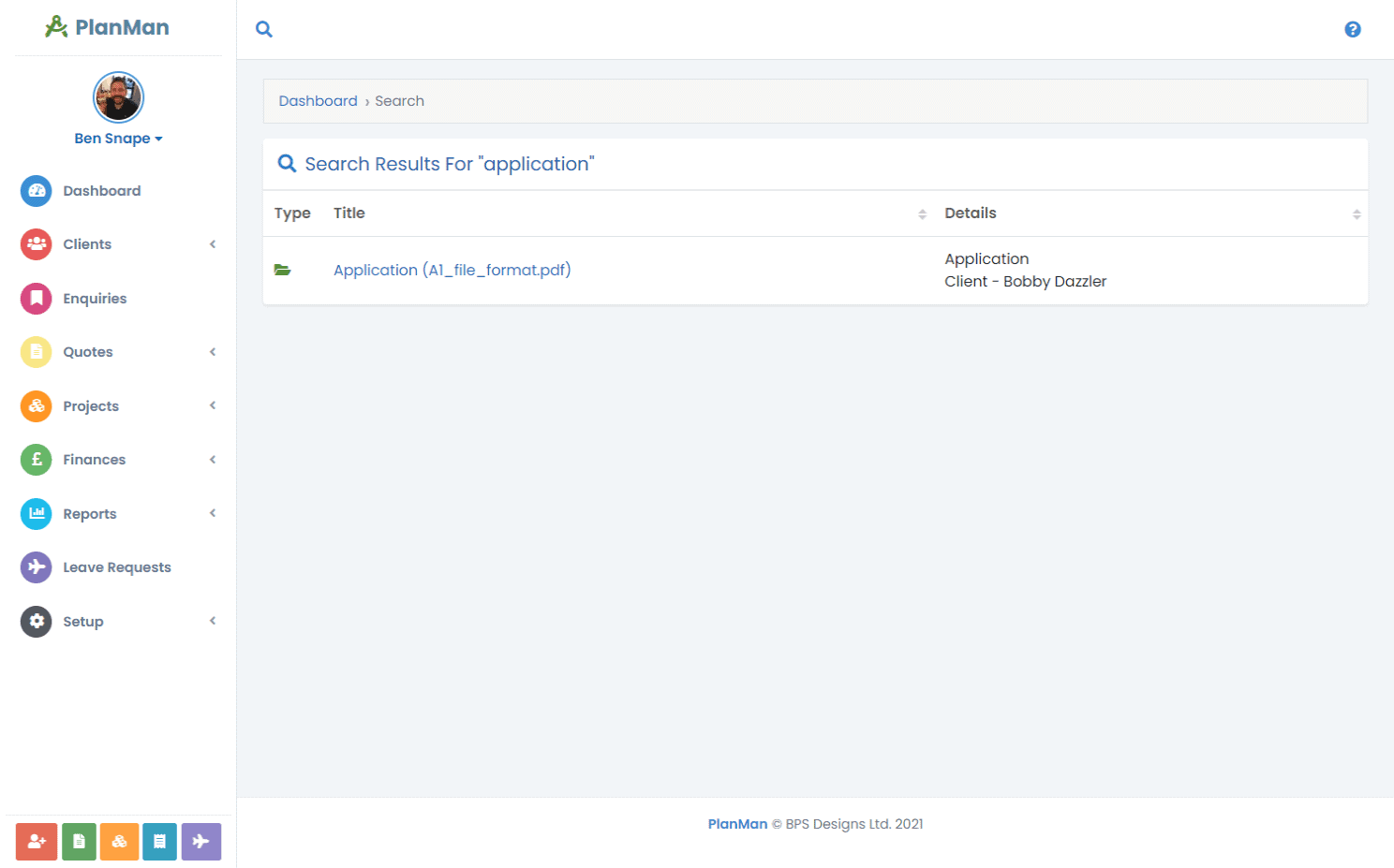
Use the global search to find client documents by keyword. Emails and documents are included in the same search.
Questions about client communication
Can clients send us emails?
Yes. Clients can log in to their portal to view quotes, invoices and projects. They can reply to your emails or start a new conversation.
Can clients see their project documents?
Yes. Mark a project document as “Public” to let the client view and download it through their portal.
How do I find client emails and documents?
Enter a keyword in global search. The results include matching emails and documents.