
Client management software for architects
Keep client contact details, enquiries, quotes, projects and invoices together. Give clients access to their records through the PlanMan client portal.
30 days free. No credit card needed.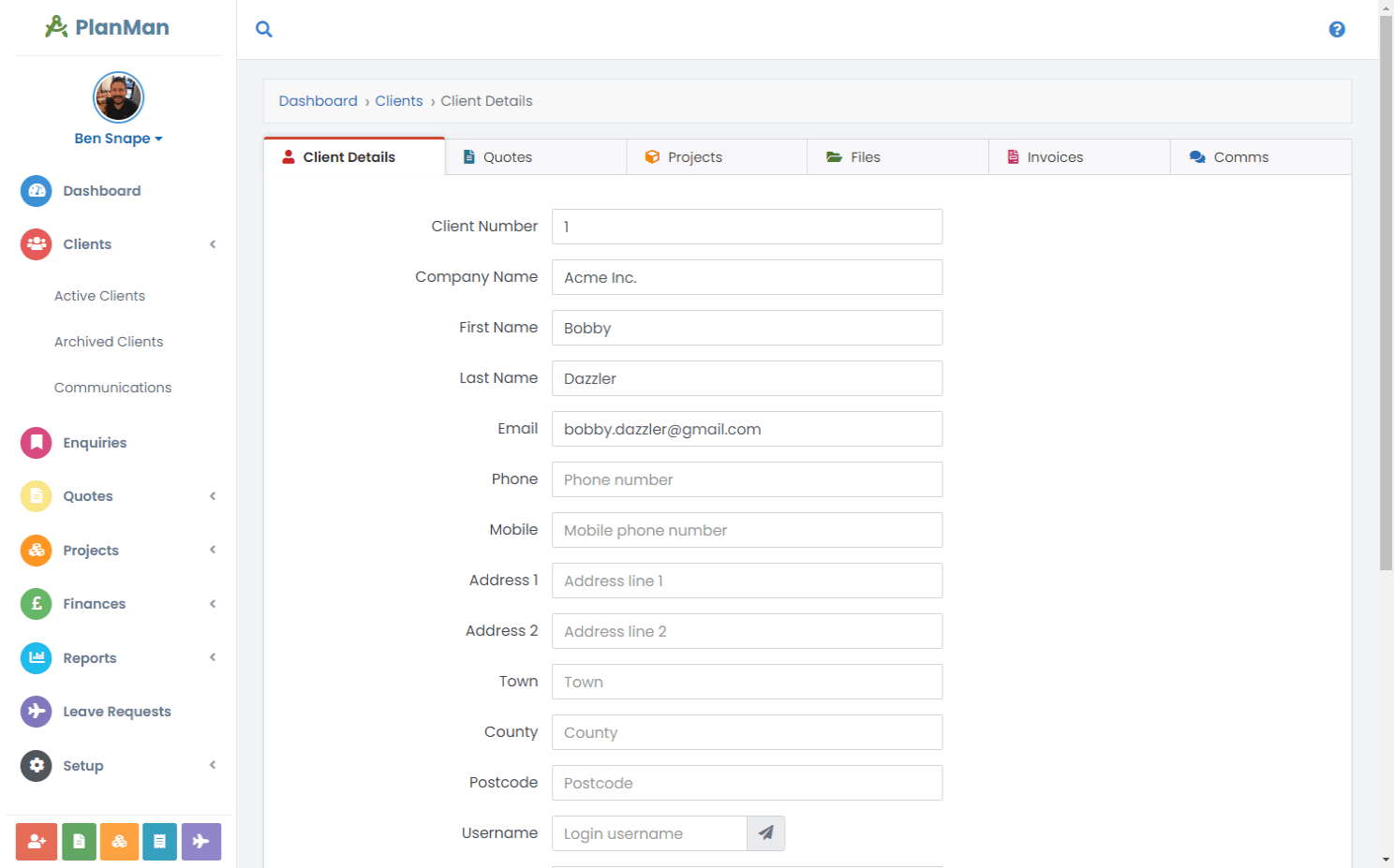
A record for each client
Keep contact details, enquiries, quotes, projects and invoices on each client’s record. Your team can see the same information without piecing it together from separate spreadsheets and emails.
Use the record to pick up a client conversation, find the related work and check what has already been sent. If you’re comparing ways to manage client relationships, our CRM guide for architects explains which features to consider.
Contact details and related work
Open a client’s record and use the tabs to view their quotes, projects, files, invoices and emails.
Client communications
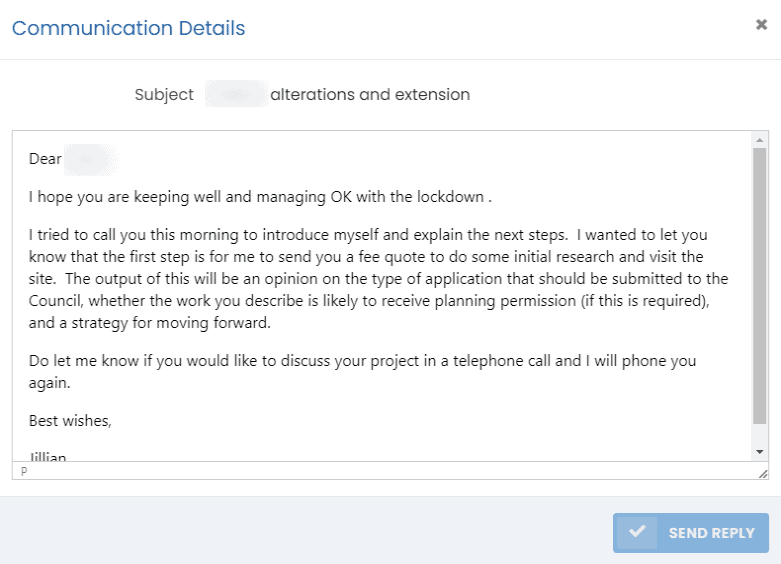
Send emails from the client’s details page. Colleagues can see when you last contacted the client and read the conversation. Clients can reply through their own login.

Find a client by name or keyword
Search by a client’s name or another keyword to find their record, projects and documents. Results link back to the relevant information.
Questions about client management
Can clients access their data?
Yes. Give clients login details for their portal so they can view their quotes, invoices and projects.
How can clients ask us about their projects?
Clients can read and reply to your emails in their portal, or start a new conversation.
What do clients see when they log in?
Clients can see:
- Enquiries
- Quotes
- Projects
- Project documents (that you have set to be “public”)
- Invoices
- Communications (emails)