
Take your projects with you
View clients, projects and documents on your phone or tablet. Use your existing PlanMan account and receive notifications on iOS and Android.


Your project records,
where you need them.
Use PlanMan on your phone or tablet with the same account you use in your browser. The app includes the web features and adds device notifications.
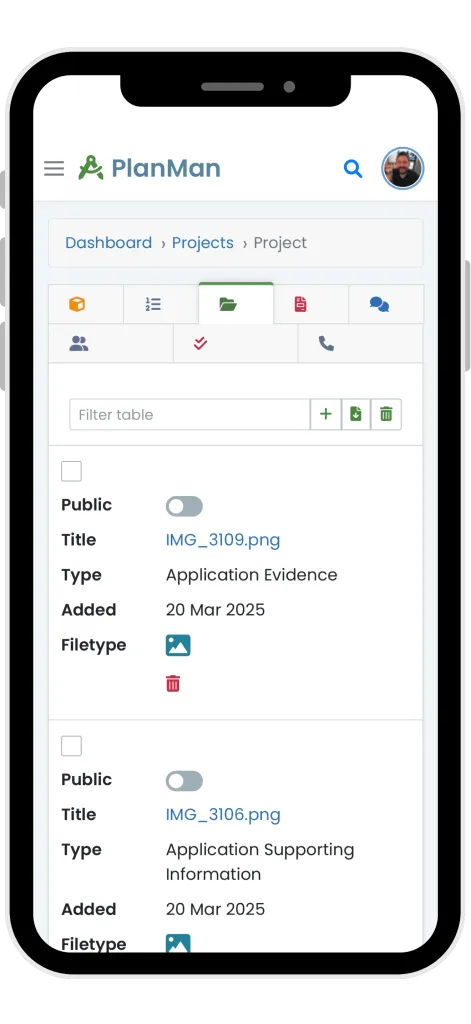
Check your projects
View stages, client details and documents while you are away from your desk.
Receive notifications
Get project and task updates on your device.
Use the same records
Changes made on the web or in the app appear in the same PlanMan account.
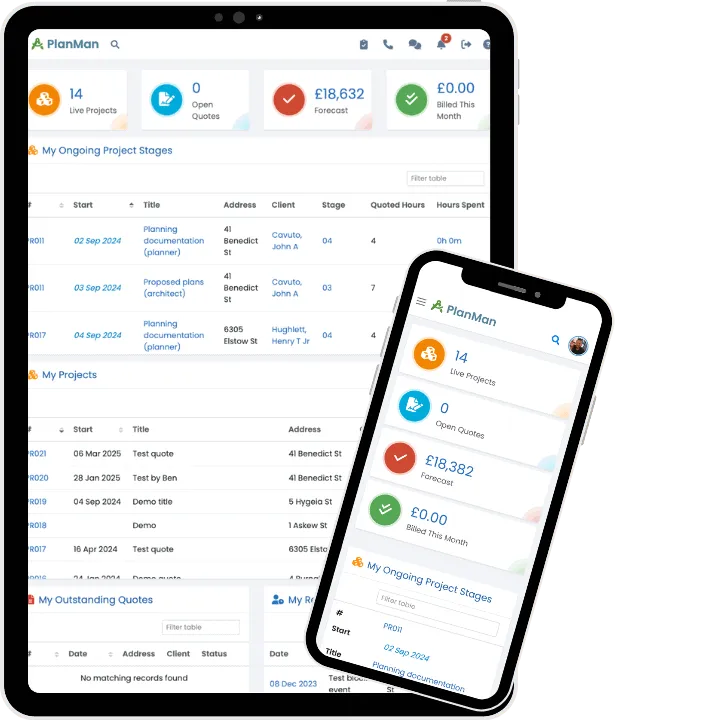
Update projects while you’re on site
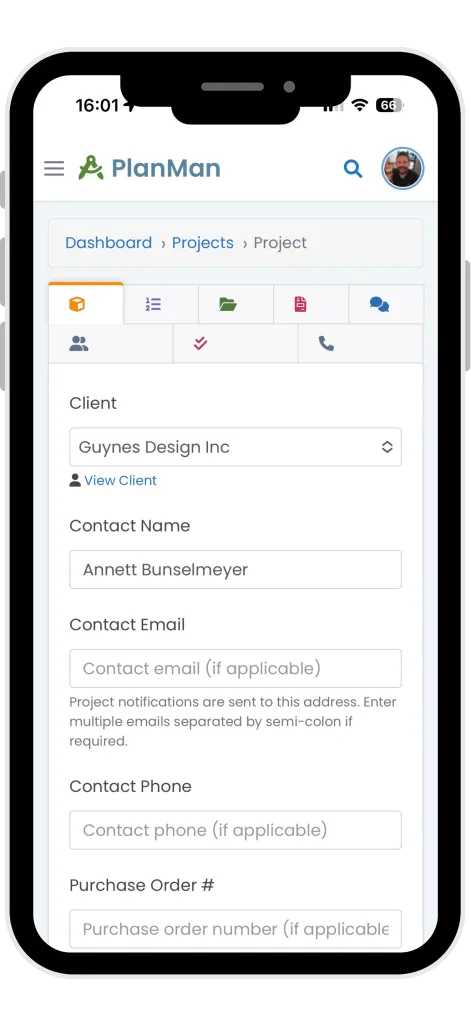
Review stages, files and client details before a meeting or site visit. Add updates to the same project record your colleagues use in the office.
Questions about
the mobile app
Ask the PlanMan team →Does the mobile app have all the same features as the web app?
Yes. The app includes the web features and adds device notifications.
What devices are compatible with the PlanMan mobile app?
The app is available for iOS and Android. Check the App Store or Google Play listing for the current device and operating system requirements.
Will my data sync between the web and mobile apps?
Yes. The web and mobile apps use the same account. Changes to projects, documents, clients and settings appear on both.
Do I need a new account to use the mobile app?
No. Log in with your existing PlanMan account. If you’re new to PlanMan, start a free 30-day trial.
Where can I download the PlanMan mobile app?
The app is available on the App Store for iOS devices and on Google Play for Android devices. Use the download links at the top of this page or search for “PlanMan” in your app store.
What should I do if I have a problem with the app?
If something isn’t working or you need help, contact the PlanMan team.