
Project chat for your team
Discuss each project in its own chat room. Mention colleagues, subscribe to updates and keep staff conversations with the project details.
30 days free. No credit card needed.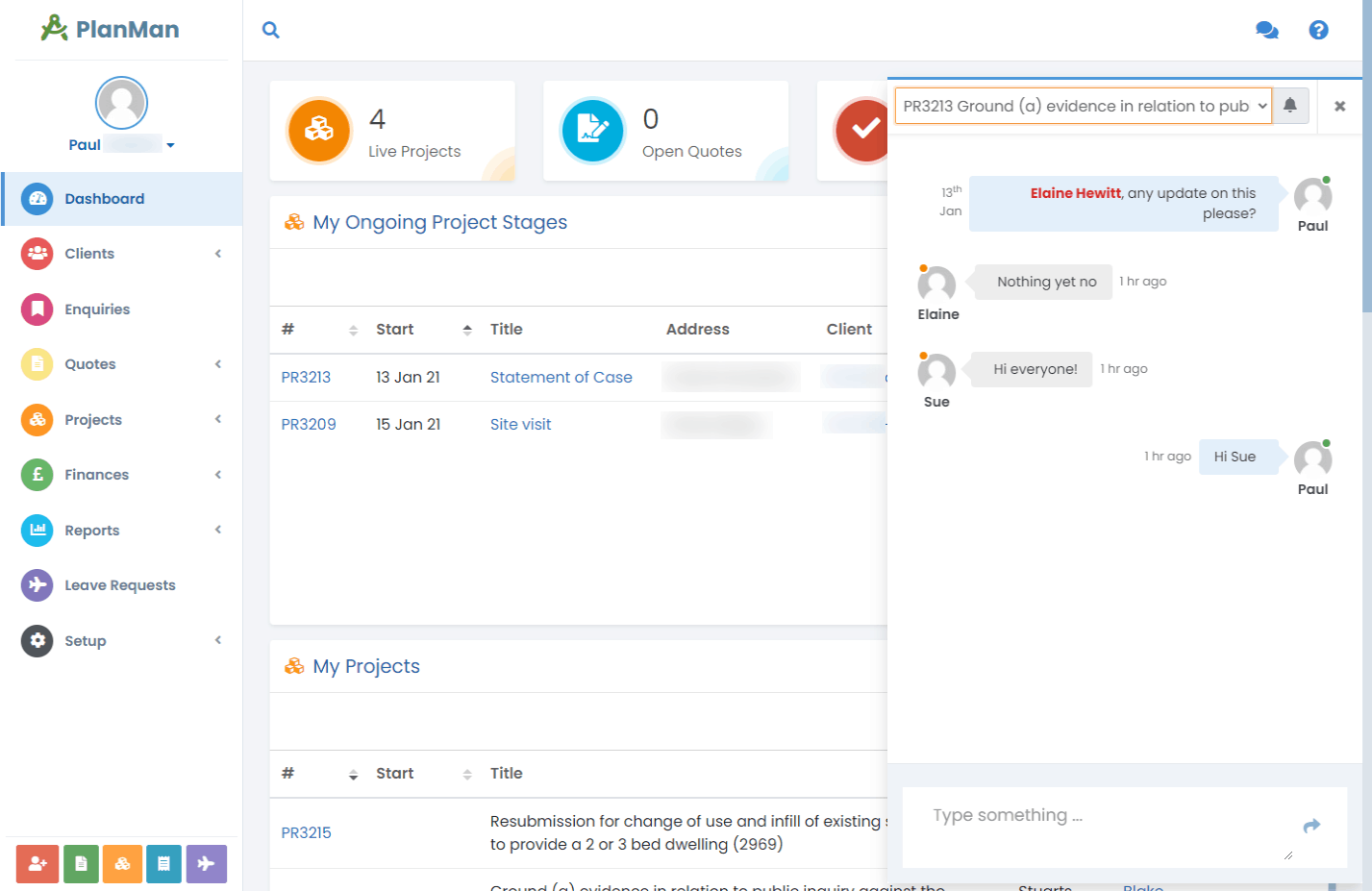
Chat to your staff in real time
Use the project chat room to ask a colleague a question or share an update. The conversation stays with the project, so staff can read it alongside the work.
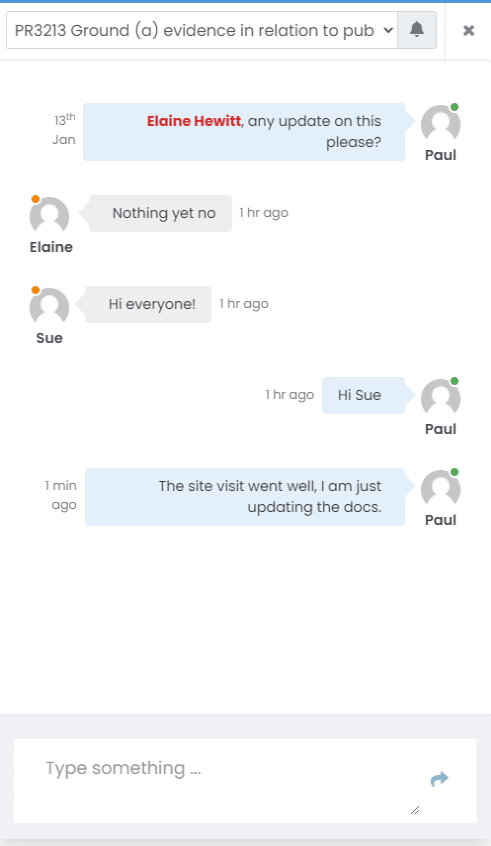
Mention a colleague
Type @ to mention a colleague in a message. They’ll receive a notification.
A chat room for each project
Each new project gets its own chat room for conversations about that job.
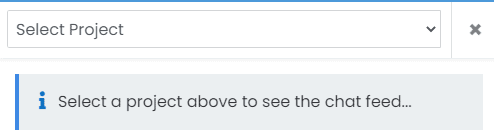

Get notifications from a project chat
Subscribe to a project chat room to receive a notification when someone posts a message.
Questions about project chat
What is instant chat?
Use chat for quick messages about a project. Messages stay in that project’s chat room.
How does it work?
Open a project and click the chat icon at the top of the page. The chat room opens with messages in the order they were posted. Staff can read the conversation; clients cannot.
What is subscribing to chat?
Subscribing means you’ll receive a notification when someone posts in that project’s chat room.