
Project management software for architects
Track project stages, files, invoices, emails and co-consultants in PlanMan. Keep a record of each project from the accepted quote to the final invoice.
30 days free. No credit card needed.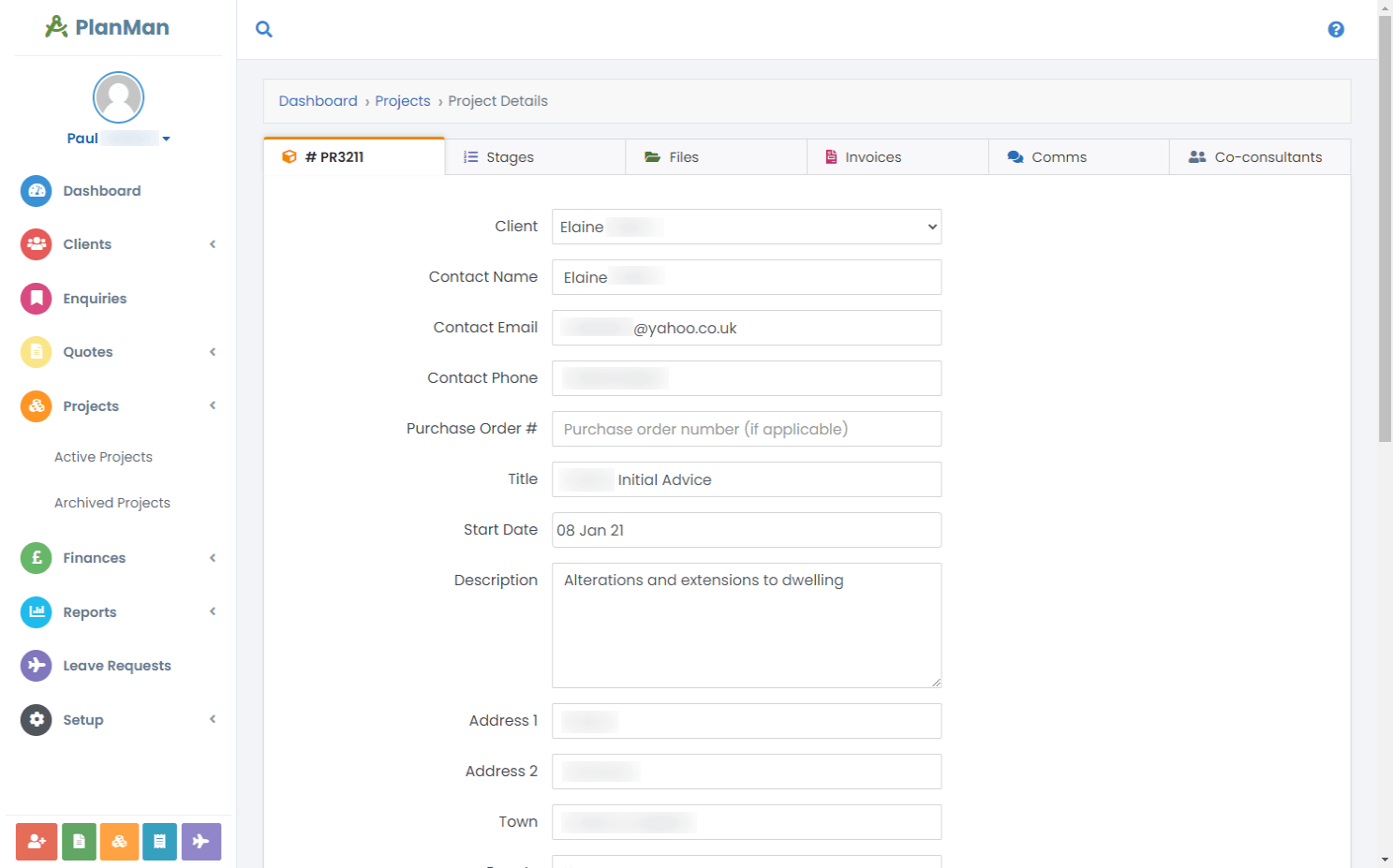
Keep the project’s stages, files and invoices together
Manage the records behind your architecture projects in PlanMan. Keep stages, files, invoices, emails and co-consultant details with each project, from the accepted quote through the work you complete.
Open the project record to check its stages, find the relevant documents or review client correspondence before the next task. Use the same record when you’re ready to invoice completed stages.

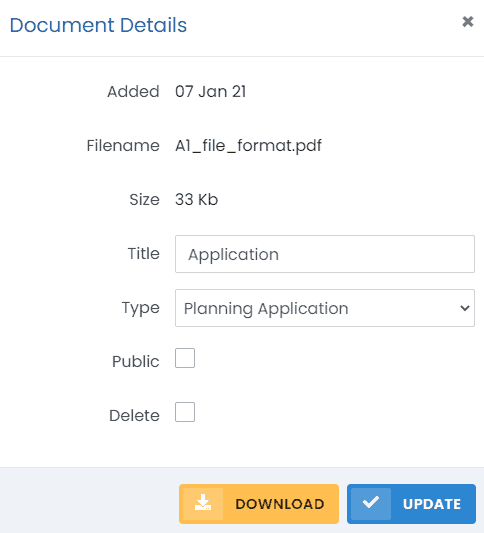
Private documents
Leave the “Public” option unchecked on documents you want to keep within your team.
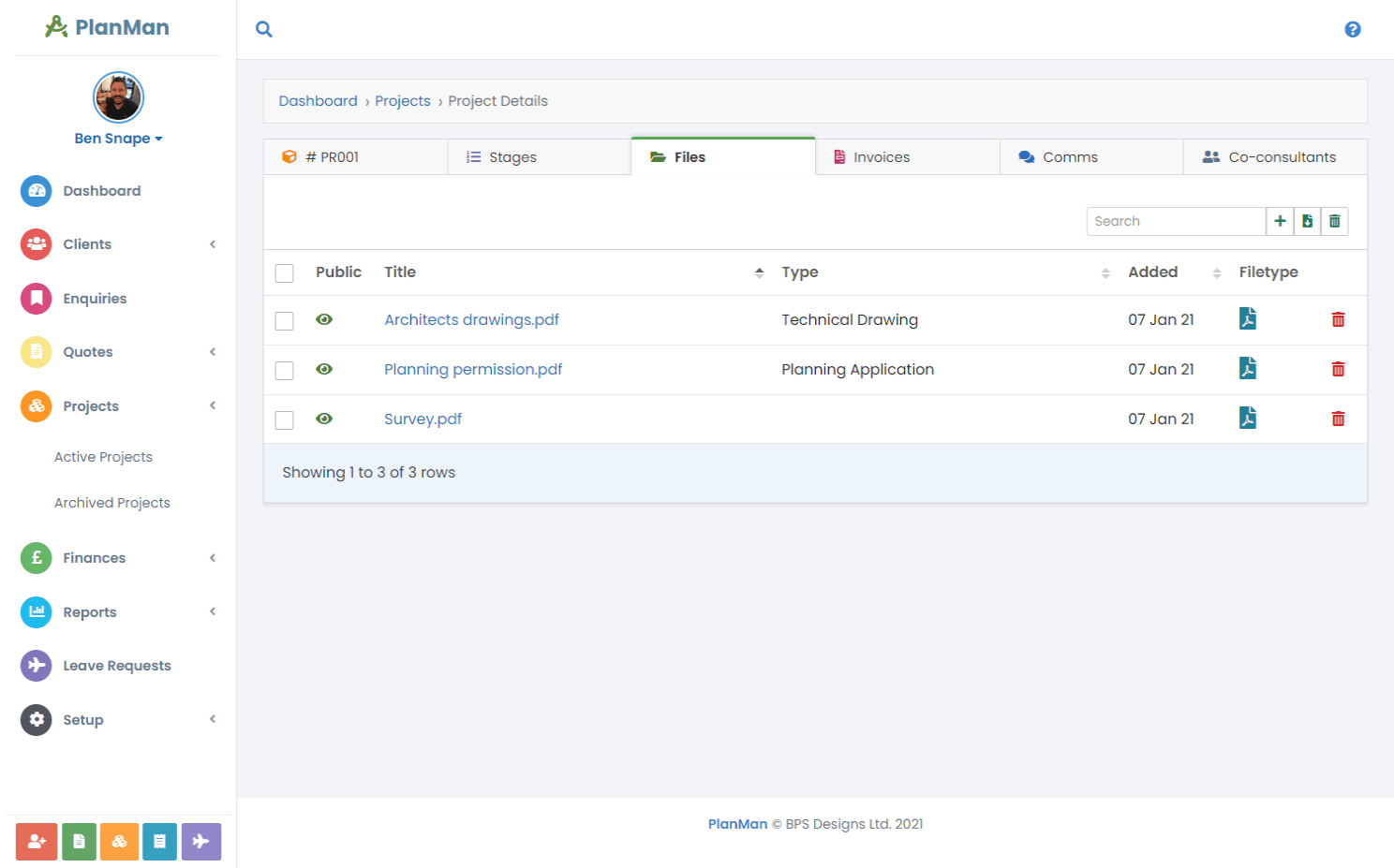
Project documents
Keep documents with the project so your team can find them. Assign a document type to organise files, and choose which documents to share through the client portal.
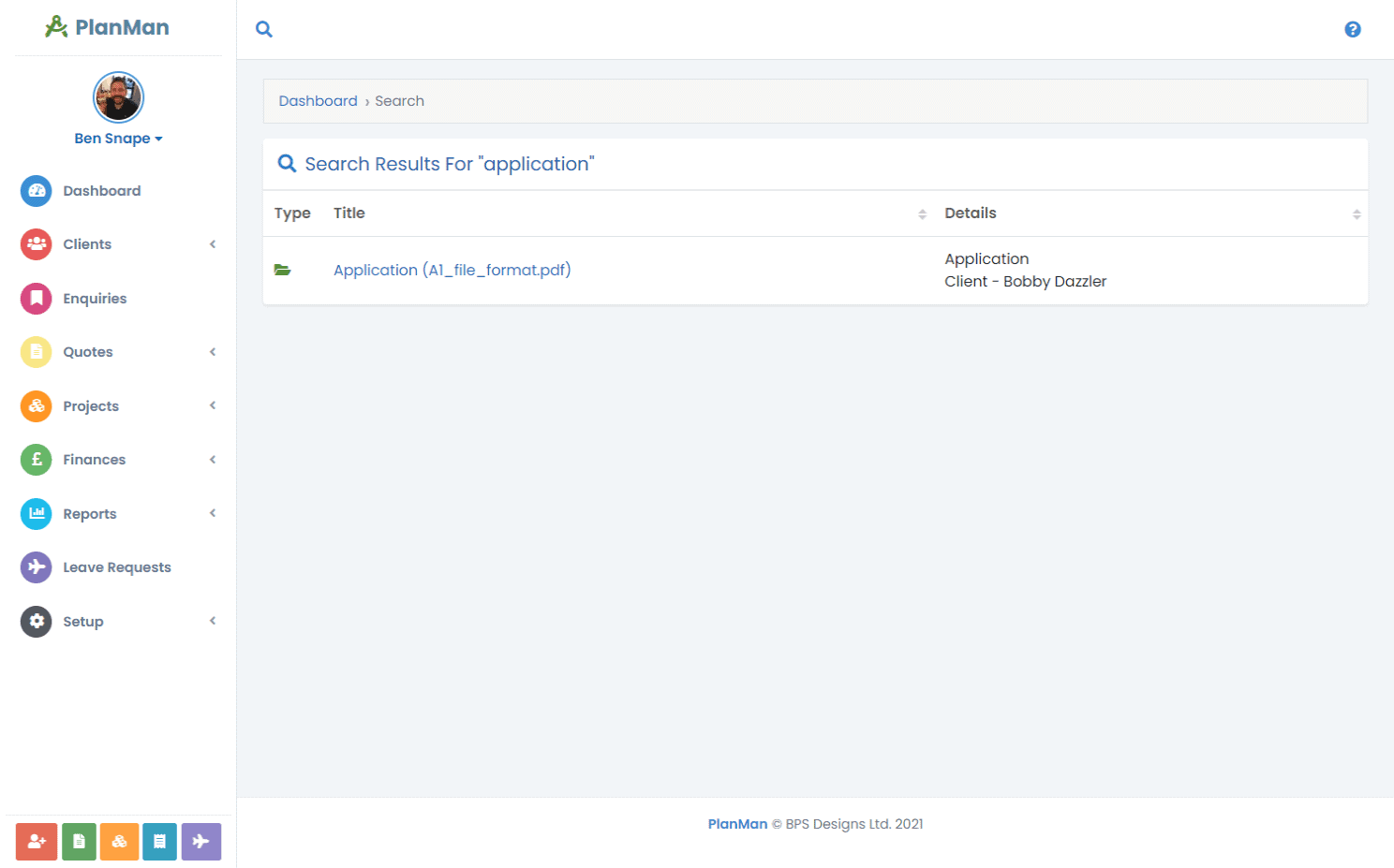
Search your projects
Search by keyword to find projects, related documents and invoices.
Questions about project management
What information can we store against our projects?
Each project has tabs for:
- Project details
- Project stages
- Files
- Invoices
- Communications (emails)
- Co-consultants
- Submissions
What are project stages?
Stages divide a project into sections of work. For example:
- Stage 1 – Survey and land registry documents
- Stage 2 – Existing plans
- Stage 3 – Proposed plans
- Stage 4 – Planning documentation
- Stage 5 – Amendments to & submission of application
- And so on
Can clients see their projects?
Yes. Give clients login details so they can view their projects through the client portal.
How many submissions can we add for each project?
As many as you need, there is no limit.