
Send quotes and track the response
Create fee quotes from project templates and email them to clients. Clients can accept through their portal, creating a project from the agreed quote.
30 days free. No credit card needed.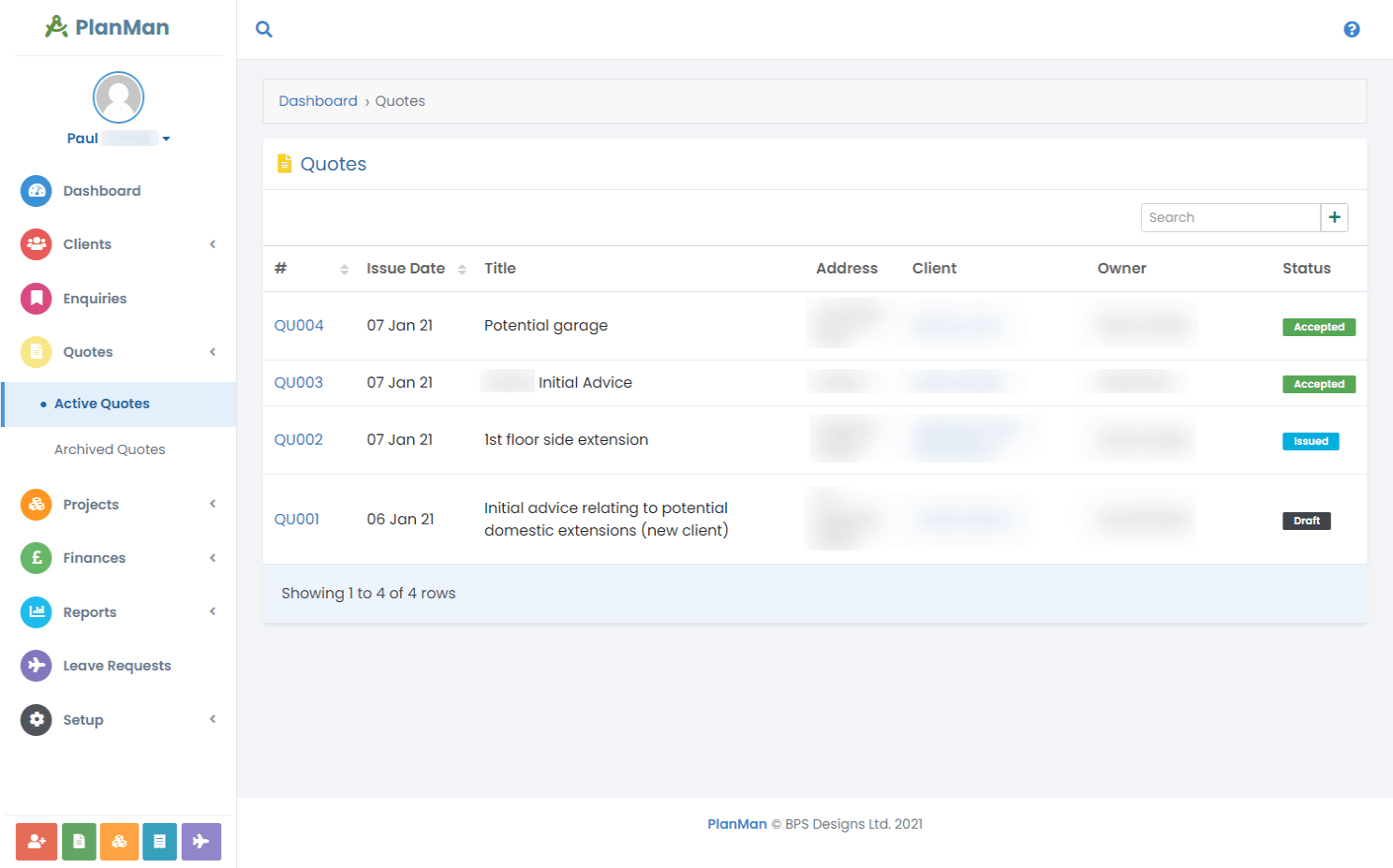
Create and send quotes to your clients
Create a fee quote, email it to your client and track its status from draft to acceptance.
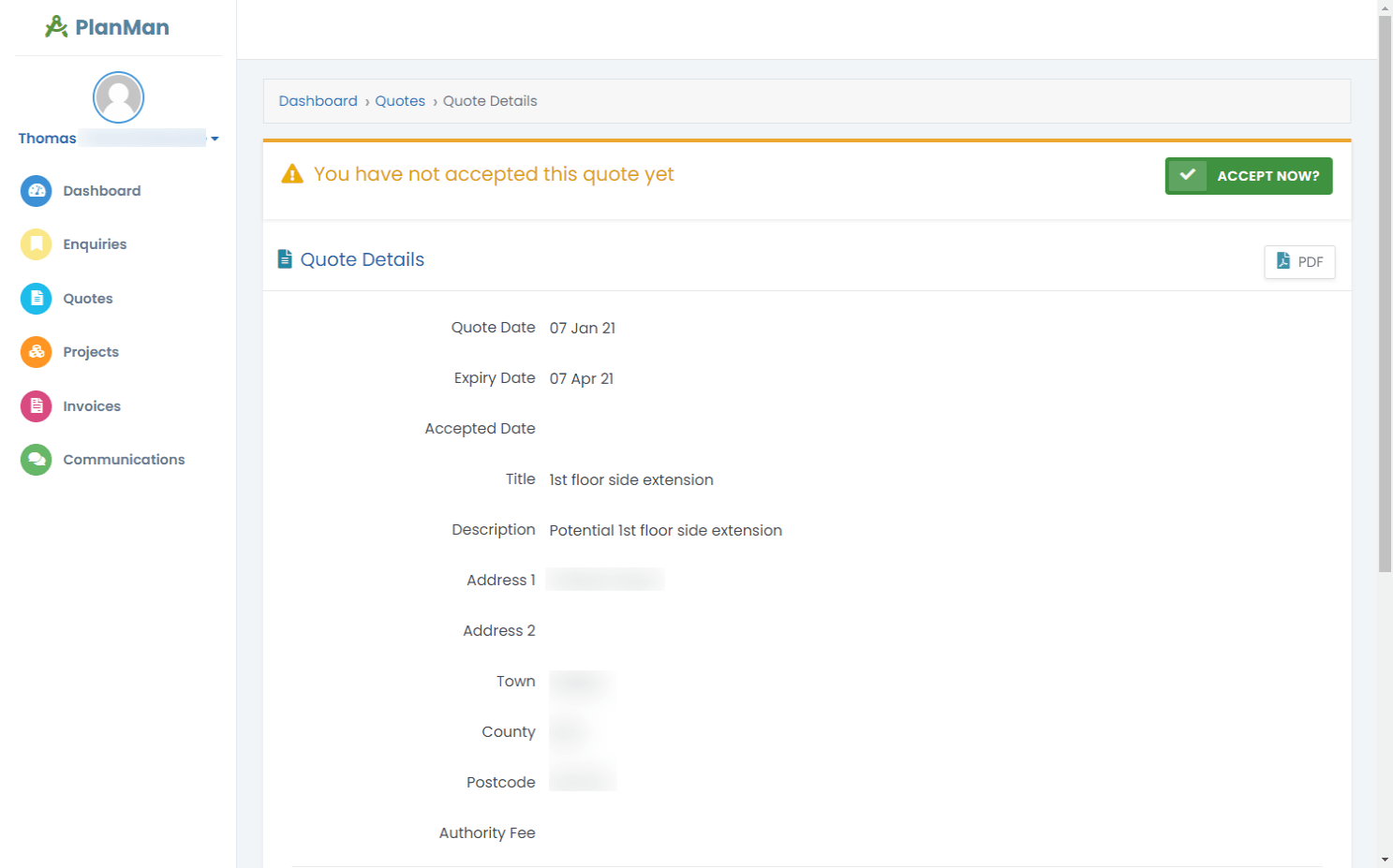
Let clients accept quotes through their portal
Sent quotes appear in the client portal. Clients can review the proposed work and fees, then accept the quote. PlanMan creates a project from the accepted quote.
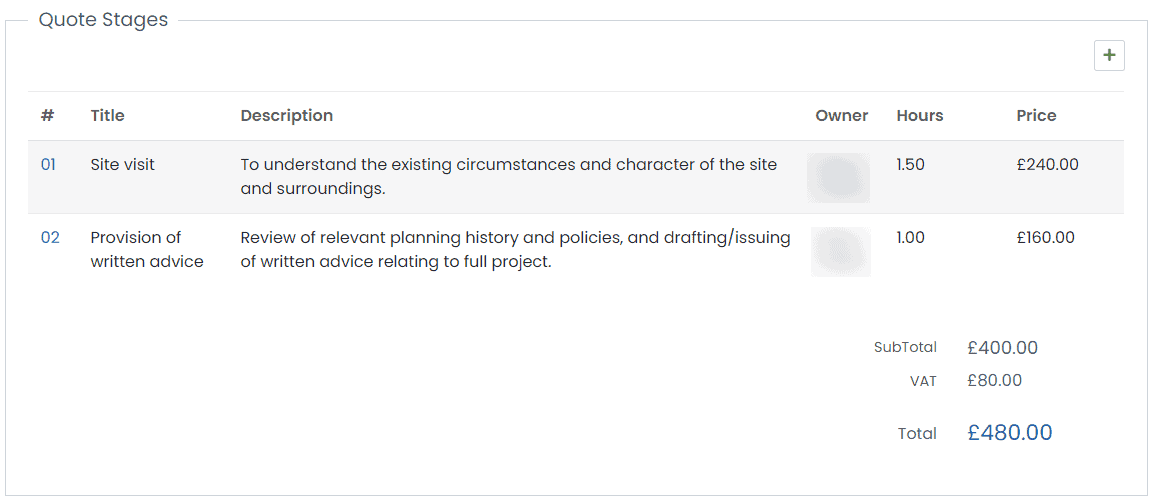
Reuse stages with project templates
Save your usual project stages in a template. Select it when creating a quote to add those stages without entering them again.
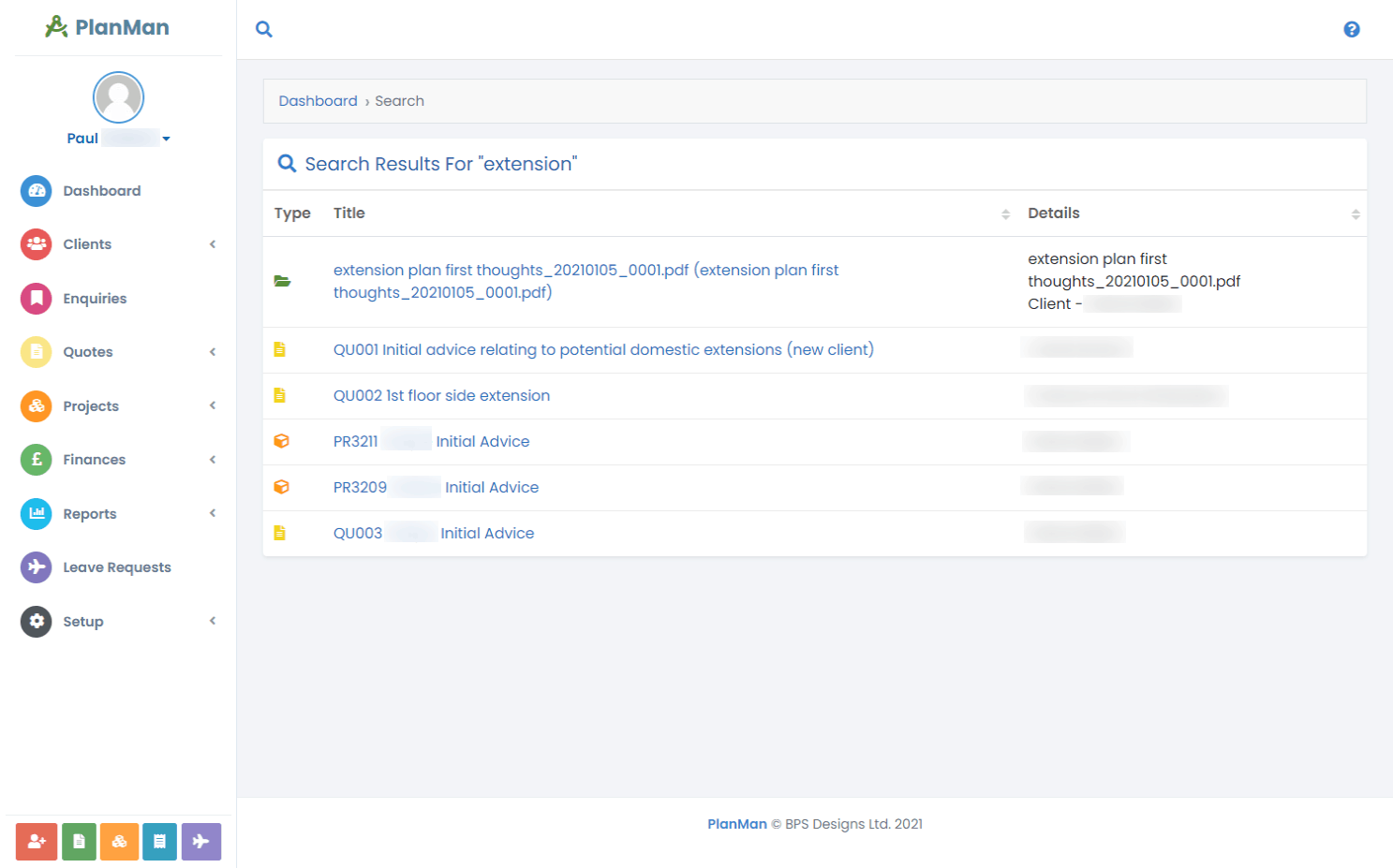
Search your quotes
Enter a keyword or phrase in global search to find matching quotes.
Questions about quotes
Can we save templates to make adding quotes faster?
Yes. Save your usual stages as project templates, then choose a template when creating a quote. PlanMan copies its stages into the quote. There’s no limit to the number of templates you can save.
Can we email quotes straight to the client?
Yes. Create your quote, then send it to the client from PlanMan.
Can clients see their quotes?
New quotes have “Draft” status and are hidden from clients. When you email a quote, its status changes to “Issued”. The client receives a PDF and can also view it in their portal.
How do clients accept quotes?
Clients open the quote in their portal and click “Accept”. PlanMan then creates a project and copies the quote’s details into it.