
Document management software for architects
Store documents against clients and projects, search for files and choose what clients can see. Keep project paperwork organised in PlanMan.
30 days free. No credit card needed.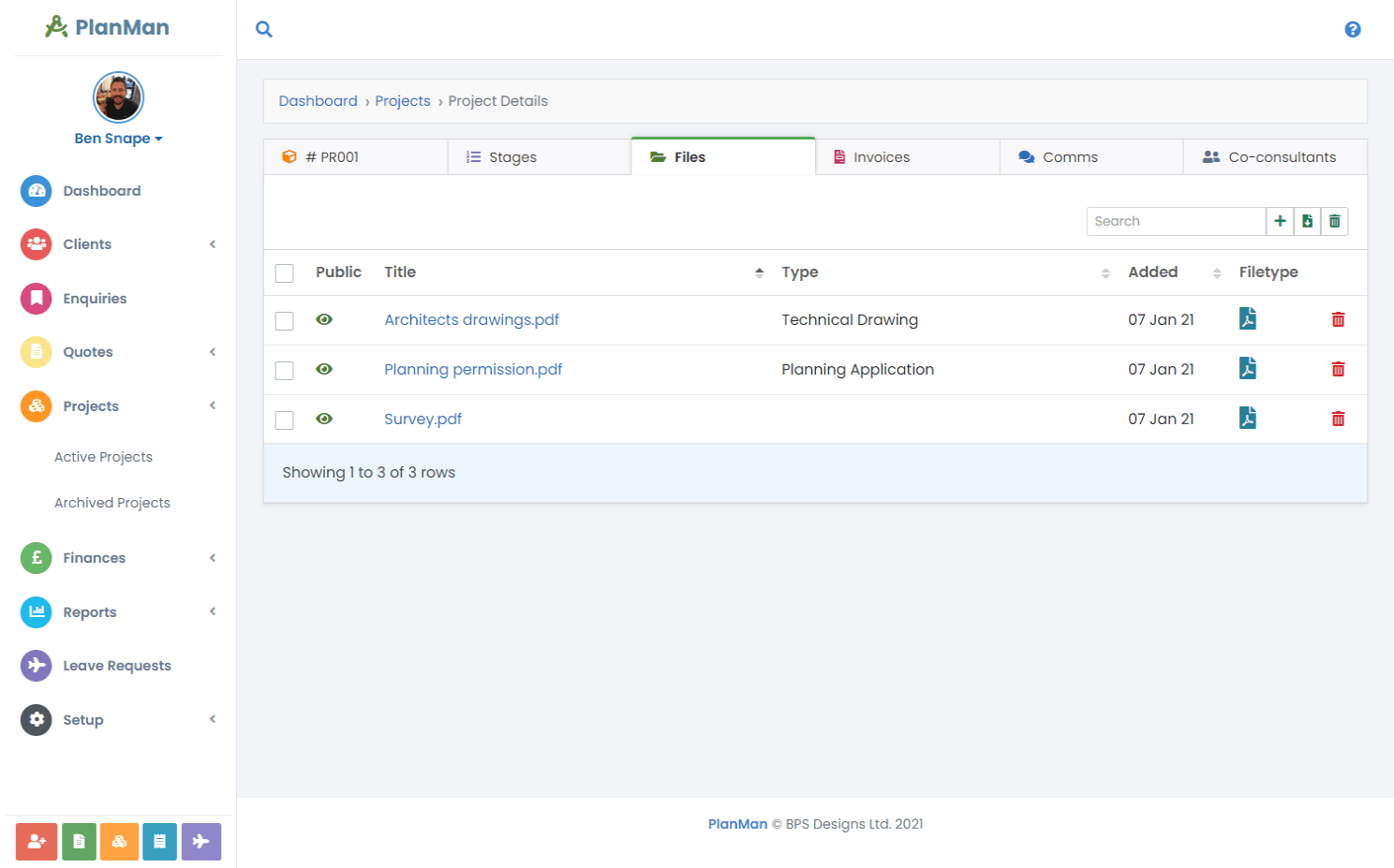
Store files with the client or project
Use PlanMan to store drawings, specifications, correspondence and other files against the relevant client or project. Your team can find the documents alongside the project’s stages, invoices and conversations.
Choose which documents clients can see, organise files by type and find them by keyword. Agree your team’s naming and revision process so the files you upload are easy to identify.
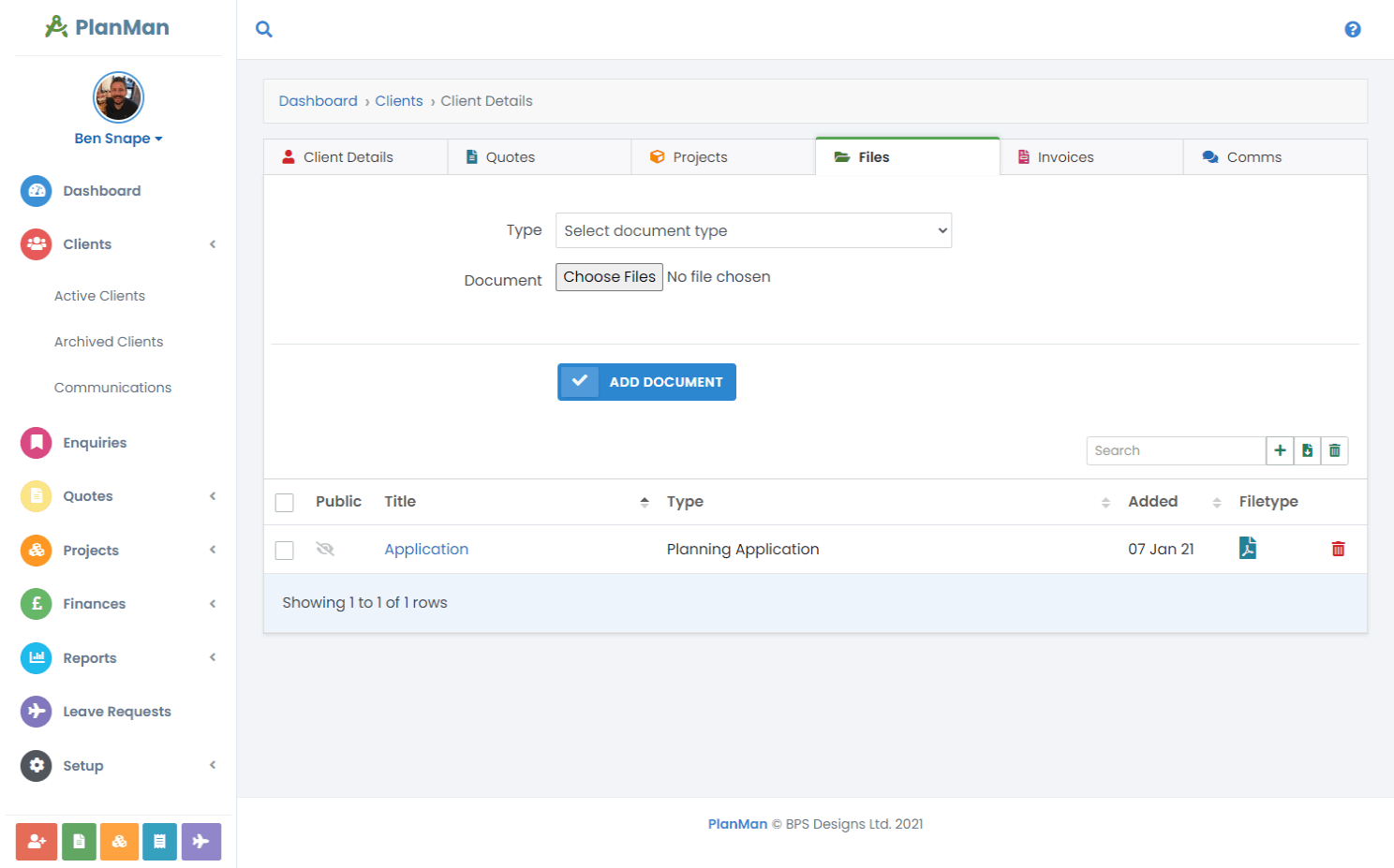
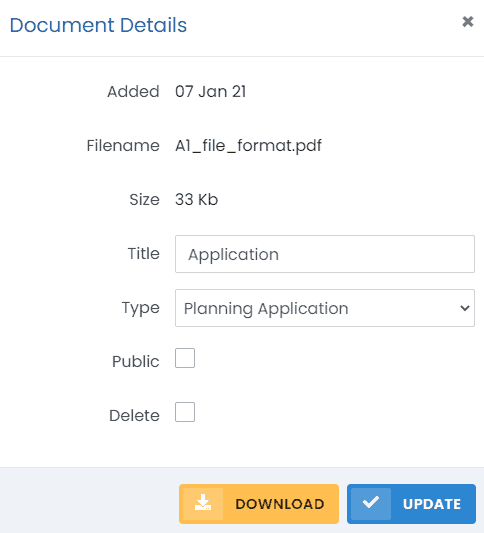
Choose which files clients can see
Leave the “Public” option unchecked to keep a file within your team.
Organise project documents
Keep project documents alongside stages, invoices and conversations. Organise files by document type to help colleagues find what they need.
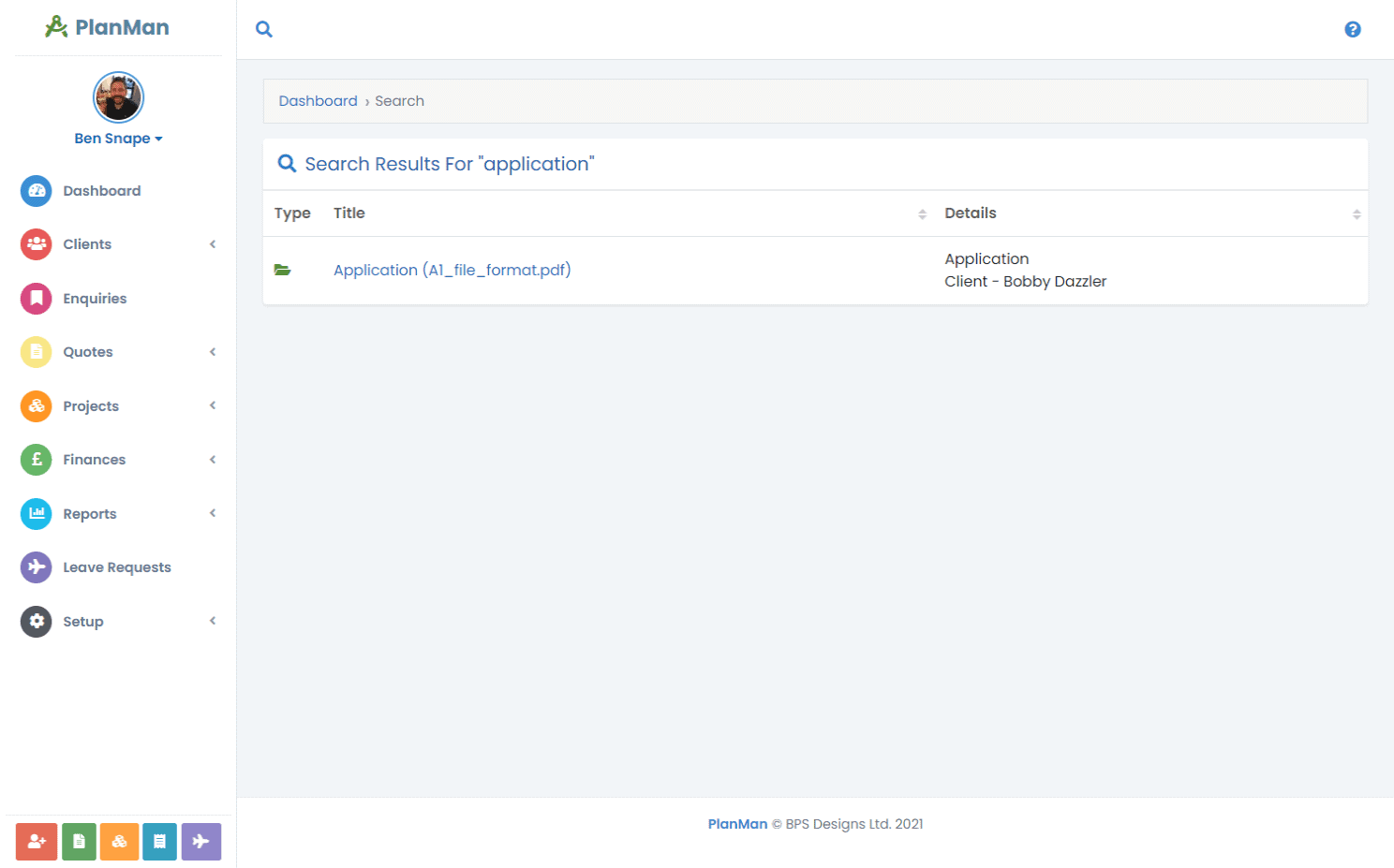
Find documents by keyword
Use global search to find client and project documents by keyword. Open a result to see the file and its related client or project.

Testimonial
Graham Simpkin Planning describes using PlanMan away from the office:
Read the customer storyPlanMan can be accessed via any web-enabled device with a simple log-in – so for staff this means no longer having to rely on work machines and installed software. PlanMan project notes can be added whilst on site.
GRAHAM SIMPKIN PLANNING
Questions about document management
What file types can I upload?
You can upload the following file types:
- .gif
- .jpg
- .jpeg
- .png
- .doc, .docx
- .zip
- .txt
- .xls
- .xlsx
- .ppt, .pptx, .ppsx
- .mdb
- .accdb
- .csv
- .msg
- .rtf
- .oft
- .eml
- .ai
- .odt
- .mp4
- .webm
- .ogg
- .cad
- .dwg
How much storage will we get?
Plans include between 2 GB and 15 GB of storage. See the pricing page for each plan’s allowance.
How many documents can we attach to a project?
The limit is the file storage included in your plan. You can purchase more storage if required.