
Choose what your team can access
Create permission groups in PlanMan and assign them to staff. Choose who can view, add, edit or delete records as part of their work.
30 days free. No credit card needed.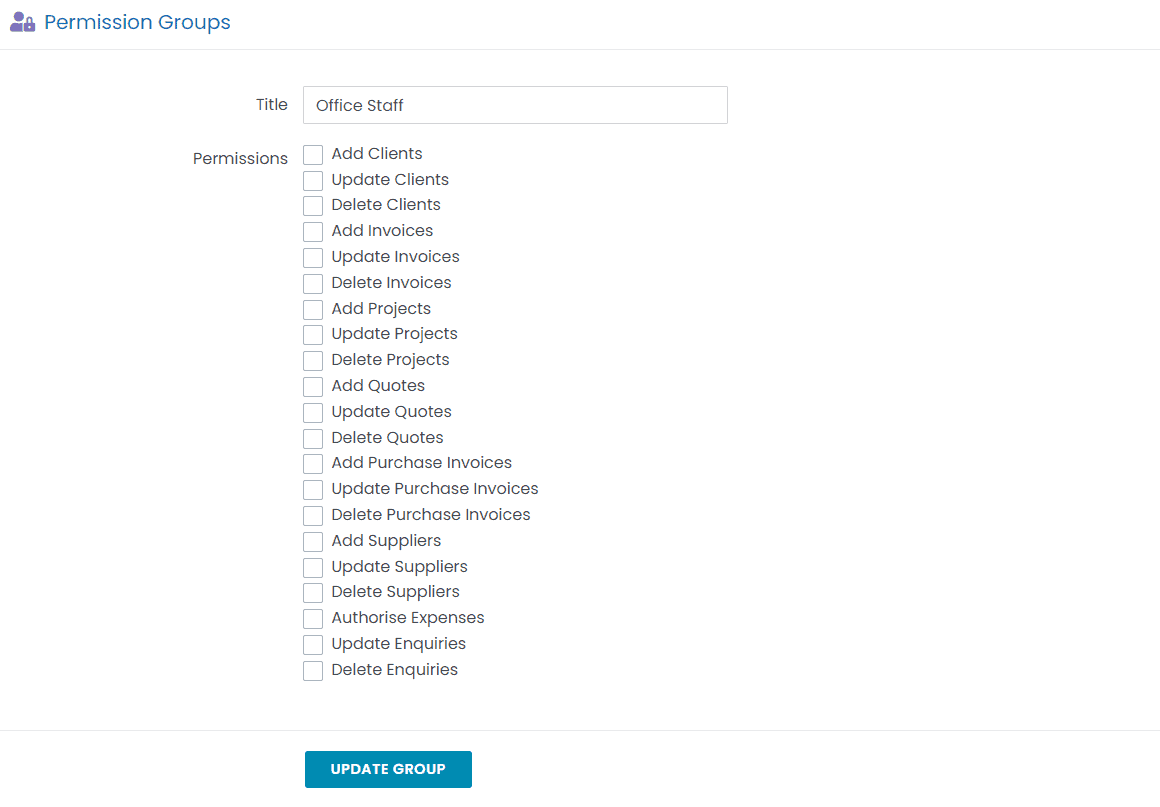
Set permissions for each role
Create permission groups for different roles in your practice. Decide who can add, edit or delete records, then assign the groups to staff.
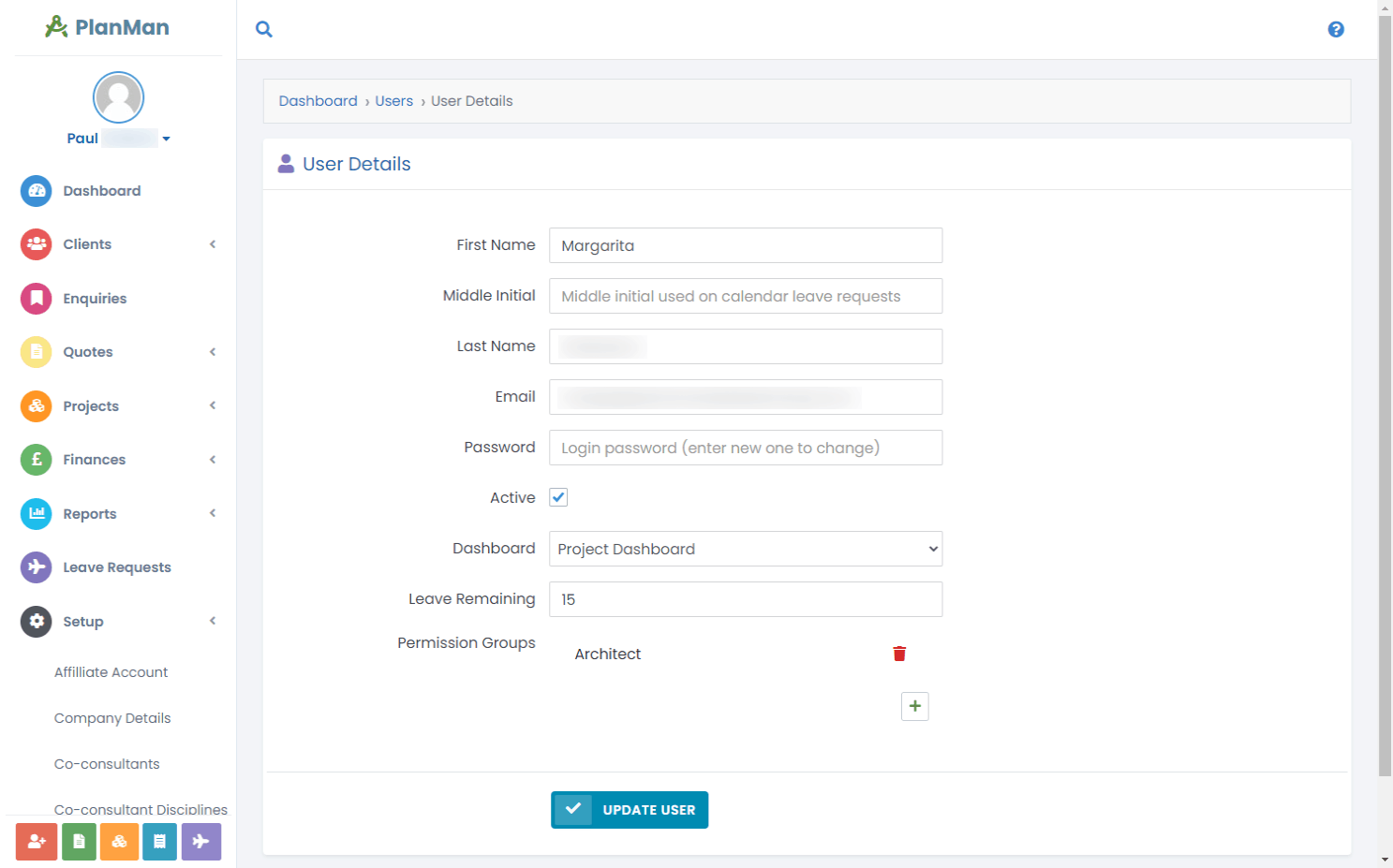
Assign permission groups to staff
Staff receive the permissions from each of their assigned groups when they log in.
Questions about permissions
What are permission groups?
Permission groups control what staff can do when they log in. For example, you can allow a group to create invoices while restricting deletion. Assign the group to the staff who need those permissions.
How many permission groups can we set up?
As many as you need, there is no limit.
Can a user be in more than one permission group?
Yes. Staff receive the combined permissions of all their groups when they log in.