
 Ben Snape
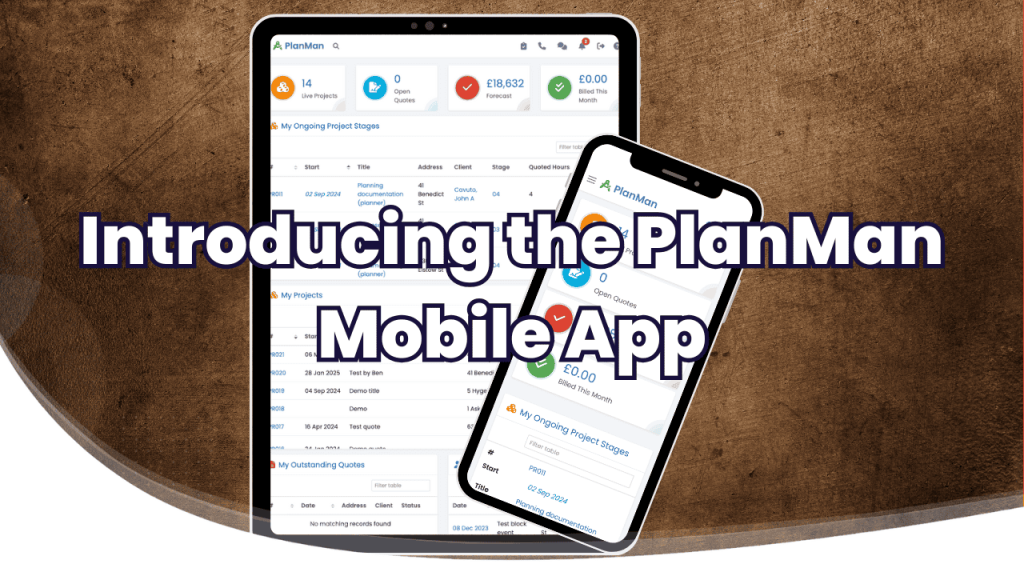
The PlanMan mobile app is available for iOS and Android. Check projects, clients and files from your phone or tablet when you're away from your desk.
Visit our mobile app page for download links.
Why a mobile app?
Site visits and client meetings don't always leave time to get back to a computer. The app gives you access to PlanMan while you're out, so you can look up a contact, check a project or add a note while it's fresh.
What can you do in the app?
- Update projects: Add notes, check stages and upload documents from your device.
- Look up clients: Access contact details, send quotes and review communications.
- Manage documents: Store and organise project files while you're away from your desk.
- Send invoices: Create invoices and take payments through your Stripe or GoCardless integration.
- Receive notifications: Get updates through your device's native app notifications.
How to get started
Download the app from our mobile app page and log in with your PlanMan account. The app is included in your subscription at no extra cost. If you're new to PlanMan, you can try it free for 30 days.
Send us your feedback
Let us know what works well and what you'd like us to improve. Your feedback helps us decide what to work on next.
Use PlanMan away from your desk
Download the app to keep project information close to hand on your next site visit.